
AI help, right where you work
Get help with the section you’re using and find the right tools, without leaving the app.
 OrderSprig Alpha
A little less admin. A lot more clarity.
Explore ordering, supplier catalogues and stocktakes in the real app.
Inside OrderSprig
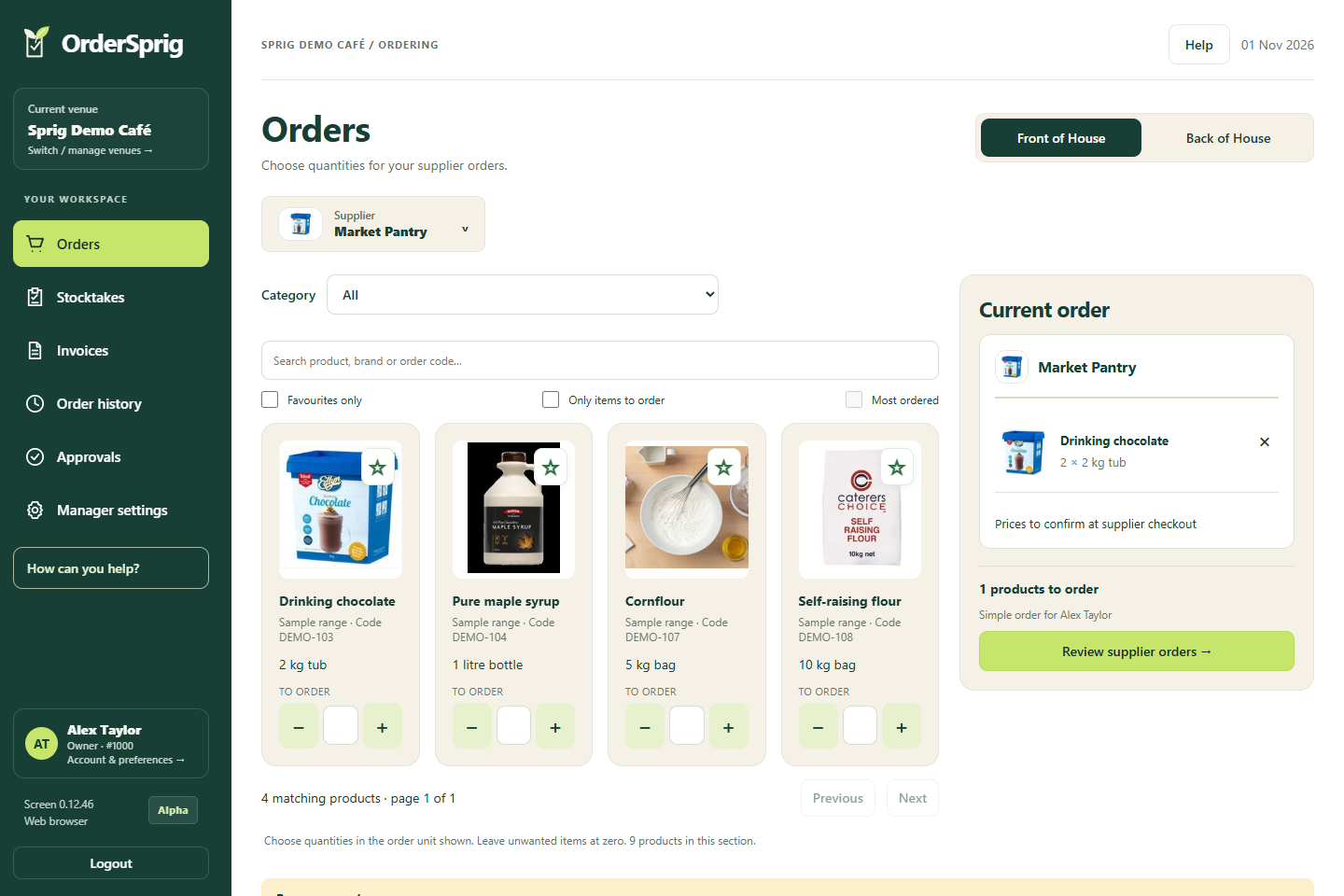
Choose your products, enter quantities and review each supplier order before checkout.
Real app screens · Sample venue data
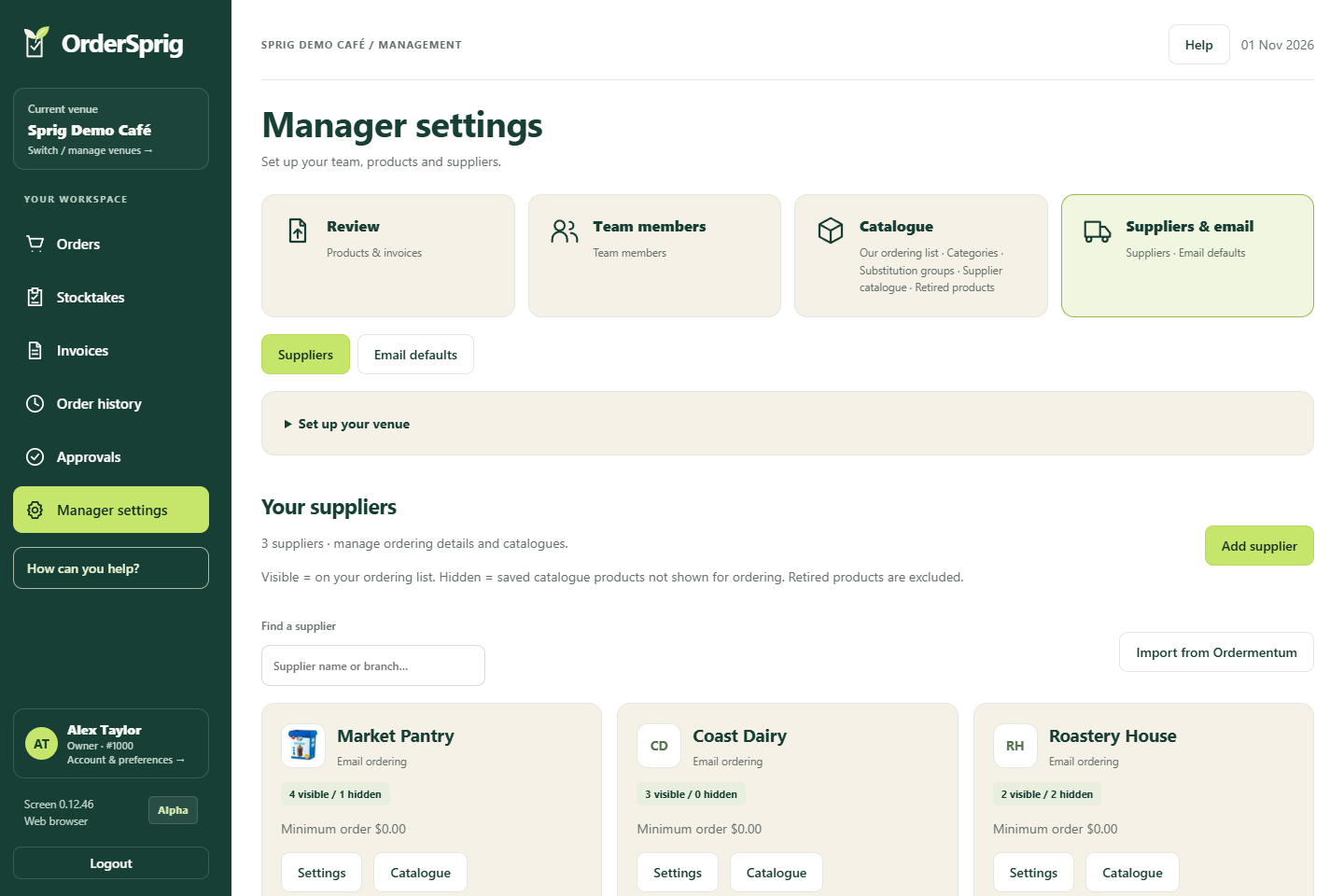
Keep supplier details and catalogues together, with clear counts of visible and hidden products.
View full screen ↗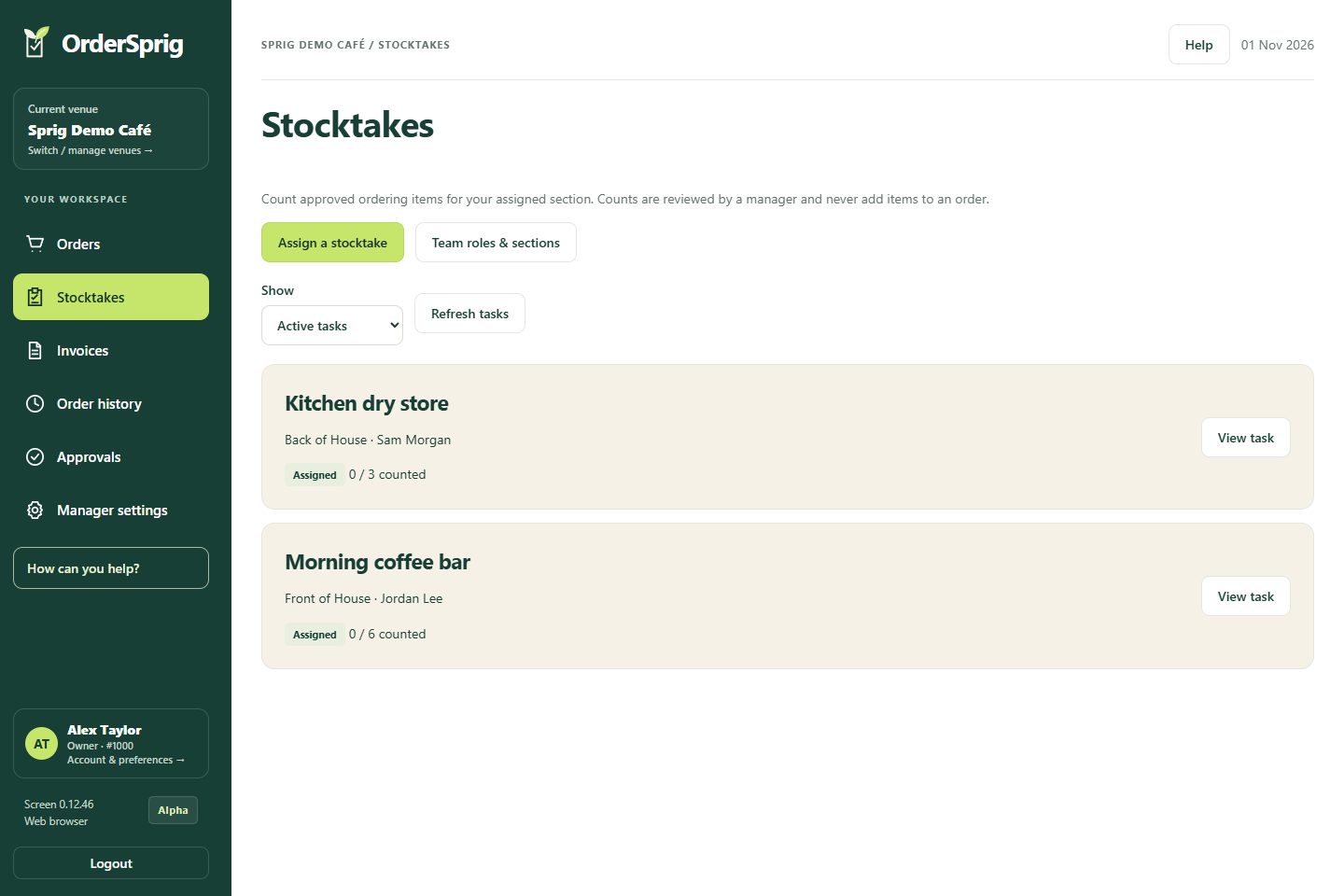
Assign stocktakes by section, then review the team’s counts; orders stay manual.
View full screen ↗Get help with the section you’re using and find the right tools, without leaving the app.

AI can suggest clearer product names and categories, and flag possible duplicates. You review the suggestions before applying them.

Send reviewed products and quantities to a supported supplier basket. Check it, then complete checkout yourself.

Bring in invoices, including photos and scans with AI assistance. Check the extracted items before saving them.

See who prepared an order, when it was created and its checkout status. Return to unfinished checkouts from order history.

Give staff access to the right venues and let them prepare orders. Managers can review carts and control who completes checkout.
AI assistance is available when enabled and has usage limits. Check suggestions before using them. Basket filling and catalogue scanning are available for supported suppliers. Filling a basket does not submit an order. Prices and availability are confirmed at supplier checkout. Price matching and substitutions are work in progress.